Sliders
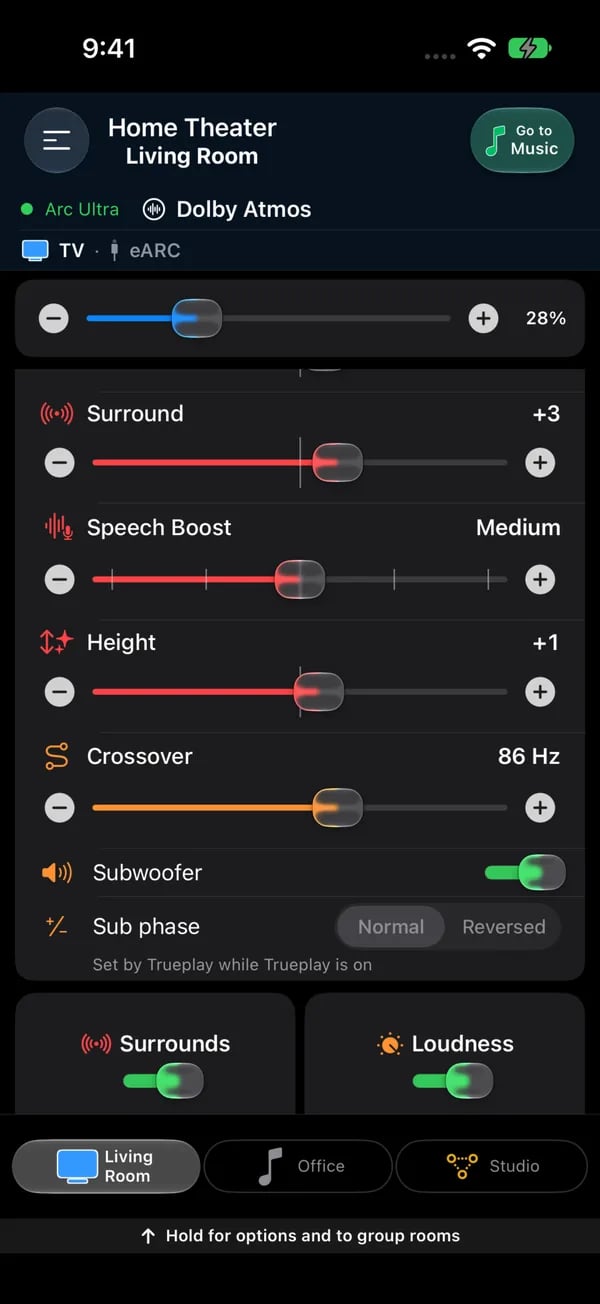
A soundbar room on iPhone, scrolled to the sound sliders: Surround (red), Speech Boost as a level, Height, Crossover in hertz, then the Subwoofer switch and Sub phase. Briefly hold a slider before you drag it, so a scroll through the page doesn't change the sound.
Sub phase
Every room with a Sub — a Sub, a Sub Mini, any generation — has a Sub phase switch under the Subwoofer on/off switch, with two positions: Normal and Reversed. It is the same setting the Sonos® app calls Sub Phase. Flip it and the bass changes at once; if the Sub sounds thin or hollow from where you sit, try the other position and keep the one that sounds fuller. Two things to know:- While Trueplay is on for the room, the switch is greyed out with the note Set by Trueplay while Trueplay is on — Trueplay chooses the phase for you. Turn Trueplay off and the switch comes back.
- The switch waits for the speaker to report its phase before it can be used, so it may spin for a moment when the page opens. If the speaker refuses a change, the switch goes back and a message says which phase the speaker kept.
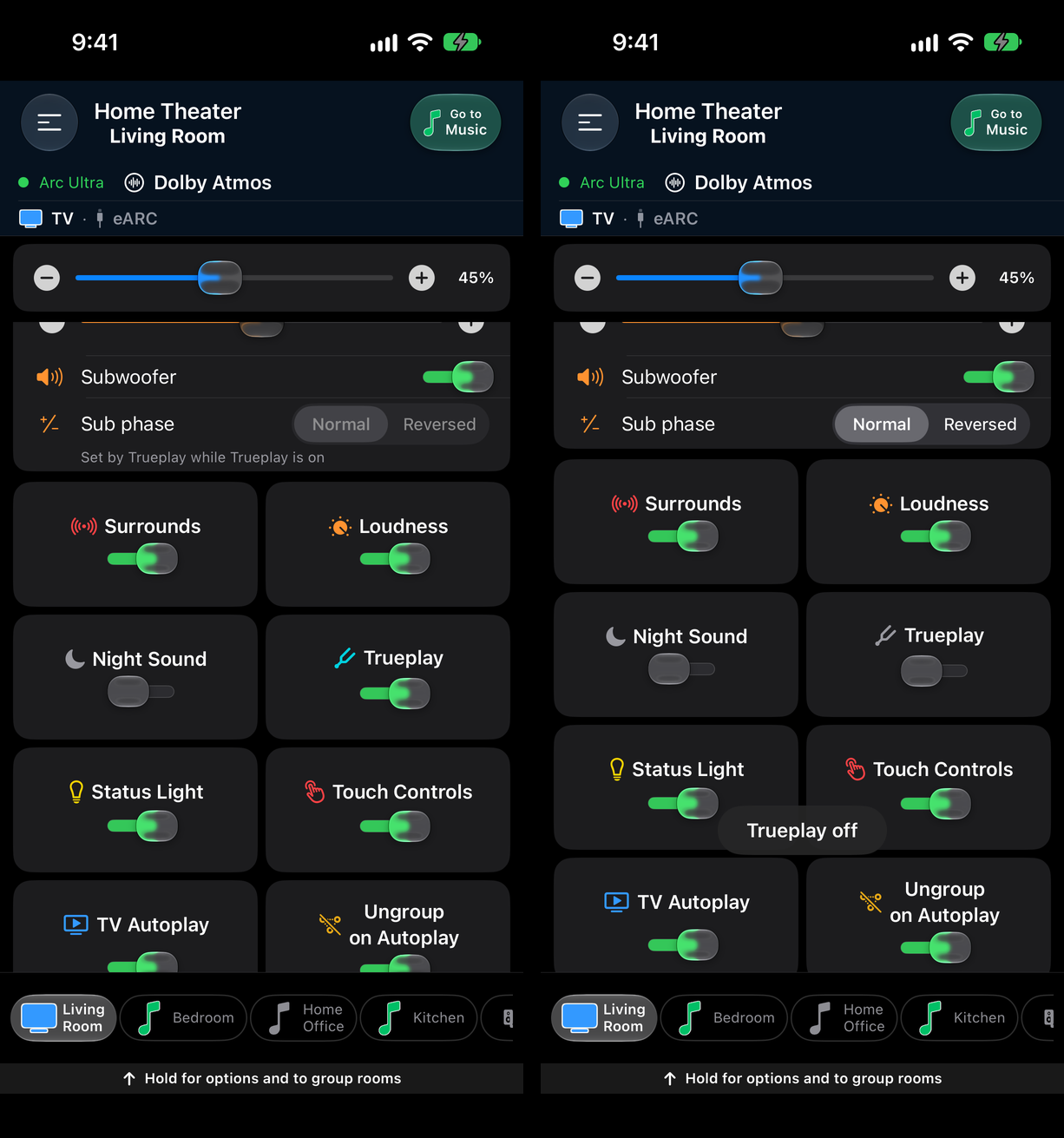
Sub phase under the Subwoofer switch. Left: greyed out while Trueplay is on. Right: Trueplay off, set to Normal.
Toggles
Loudness
Night Sound
Speech Boost
Trueplay
Status Light
Touch Controls
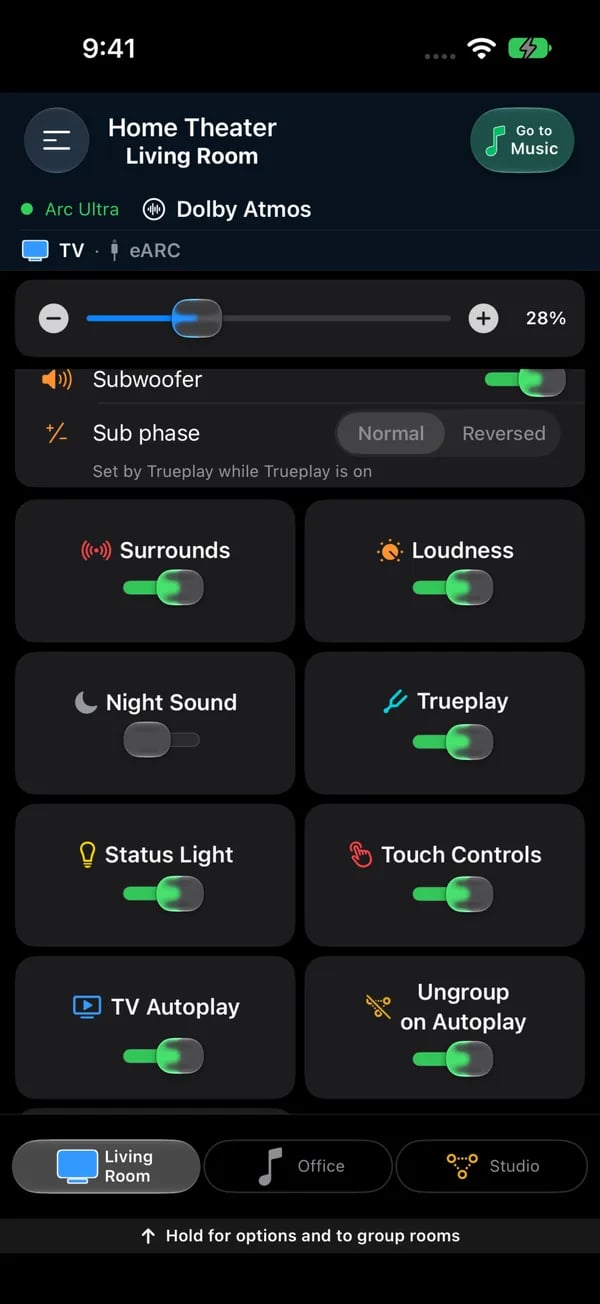
The switch tiles on a soundbar room: Surrounds, Loudness, Night Sound, Trueplay, Status Light, Touch Controls, TV Autoplay and Ungroup on Autoplay. The Surrounds tile turns the rear speakers on or off; their level is the separate Surround slider.
Trueplay
Trueplay is Sonos®‘s room-calibration feature. When it’s active, the speaker’s sound is tuned to the acoustic properties of the room it’s in. The Trueplay tile in the toggle grid shows one of three states:- Tuned — the room has been calibrated. The tile is an on/off switch, and flipping it applies immediately.
- Tune in Sonos app — the speaker supports Trueplay but hasn’t been calibrated yet. Tapping opens the official Sonos® app, which is the only place the microphone-based calibration can run.
- Unavailable / Why not?: Trueplay is blocked. Tap Why not? for the reason when it is offered. Separate front speakers prevent tuning until you remove them. Some products, including Port, Connect and Roam SL, do not support room calibration.
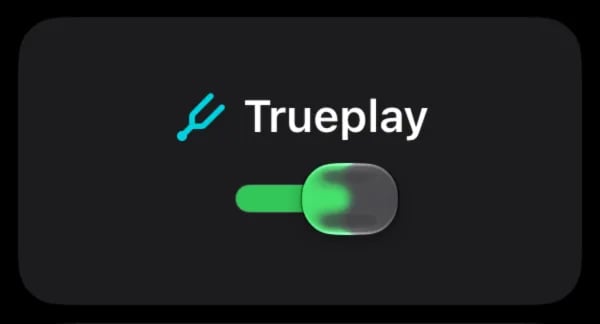
The Trueplay tile shows the room's Trueplay state. Where a tuning profile exists it is an on/off switch; otherwise the tile says tuning has to be done in the Sonos app.