A backup copy on the phone
Somos keeps a backup copy of your playlists on the phone itself, with no setting to turn on.A warning before a big loss
If some playlists exist only on this iPhone, the Playlists page tells you how many, for example 2 playlists are only on this iPhone. Deleting Somos would lose them. A playlist counts as safe once a copy of it is in iCloud settings sync or in an iCloud Drive backup made since its last change. See iCloud Sync.A backup to iCloud Drive (optional)
On the Playlists page, switch on Back up playlists to iCloud Drive. The line under the switch shows Last backup with the date, or No backup yet. If iCloud Drive is off for Somos, the line says Turn on iCloud Drive for Somos in Settings to use this. Turn it on in iOS Settings first. The backup is optional. Leave it off and your playlists still sync through iCloud as before. See Favorites & Queue for how playlists are made.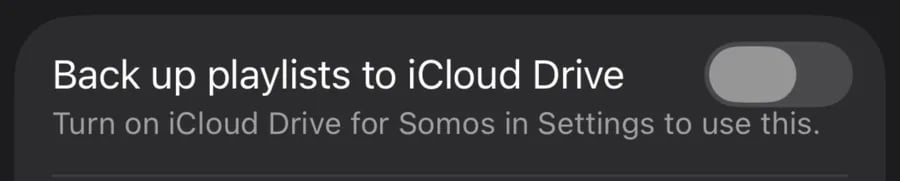
Back up playlists to iCloud Drive, in Somos settings. When iCloud Drive is off for Somos, the row says which setting to turn on.